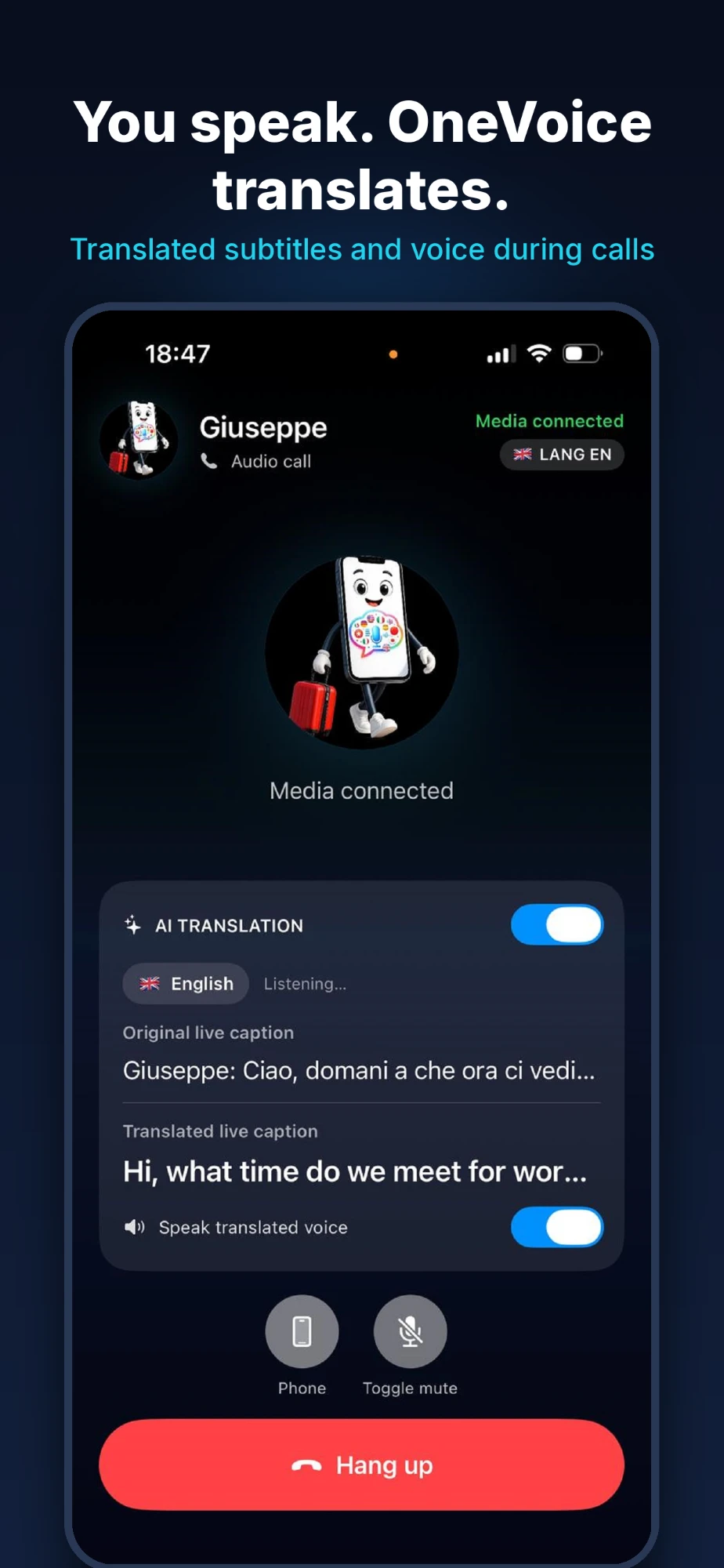
A call with real-time translation: you use OneVoice, and the other person opens a browser link, with no app or account needed. Try it with our team in the languages you need, then choose the business plan that suits your work.
See in a few minutes how your team talks to customers and suppliers all over the world, each in their own language.
The YouTube player only loads when you press play. Open on YouTube
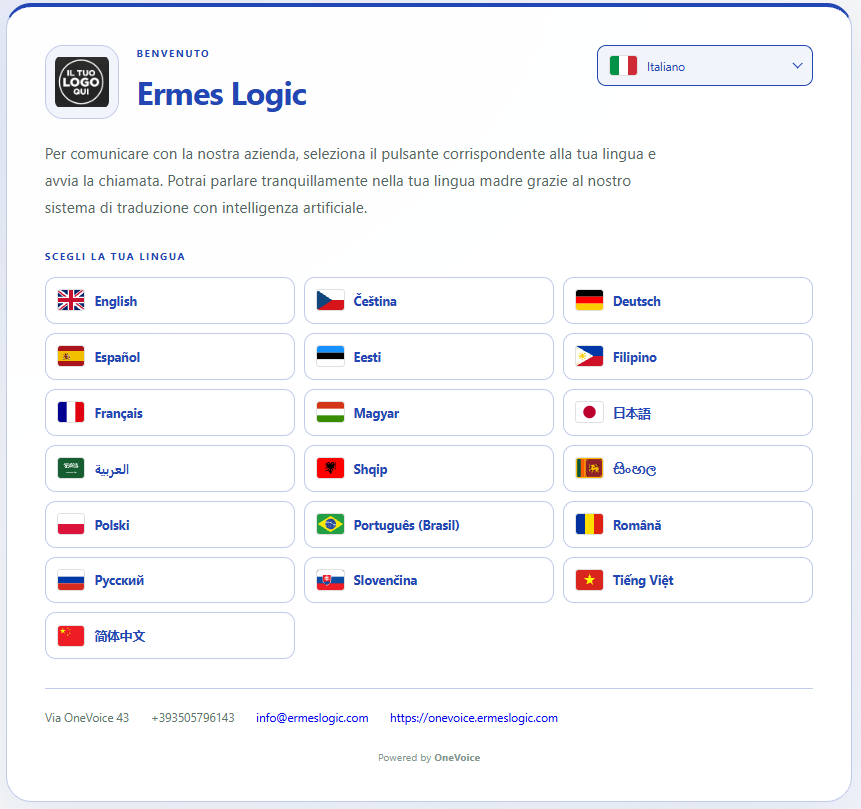
It is the difference that matters when you work abroad: you can generate a guest invitation and send it by email, WhatsApp or chat. Your customer opens the link in the browser on their phone or computer, types their name, and joins the translated call.
It works in any up-to-date browser. Your customer downloads nothing.
No sign-up, no password. They open the link and they are in.
Your guest hears the conversation in their own language, just like your team member.
The credit used during a call with a guest, for both voices in the conversation, is charged to the seat that generated the invitation: your company controls the spend, not whoever receives the link.
Calls, chat and AI-assisted replies: everyone speaks and writes in their own language, and OneVoice translates.
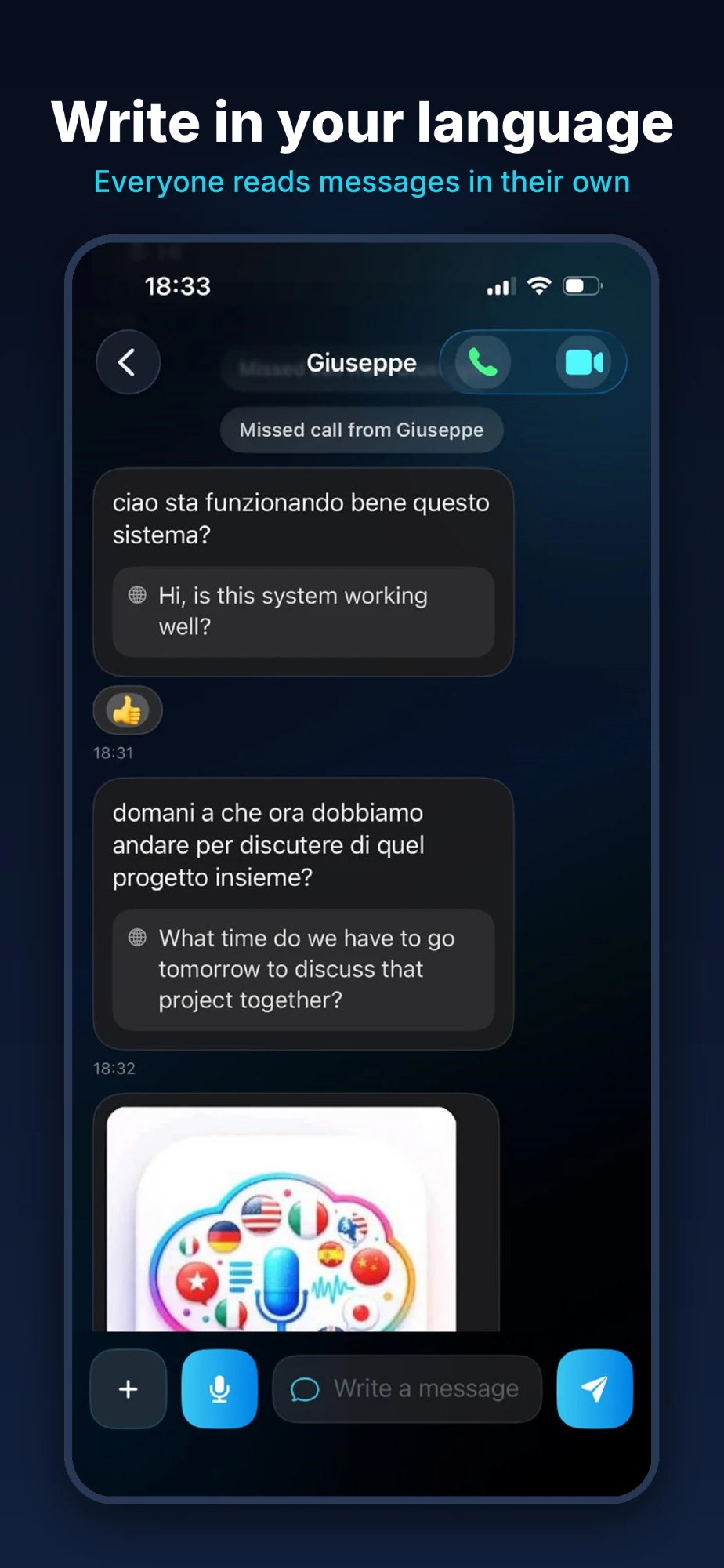
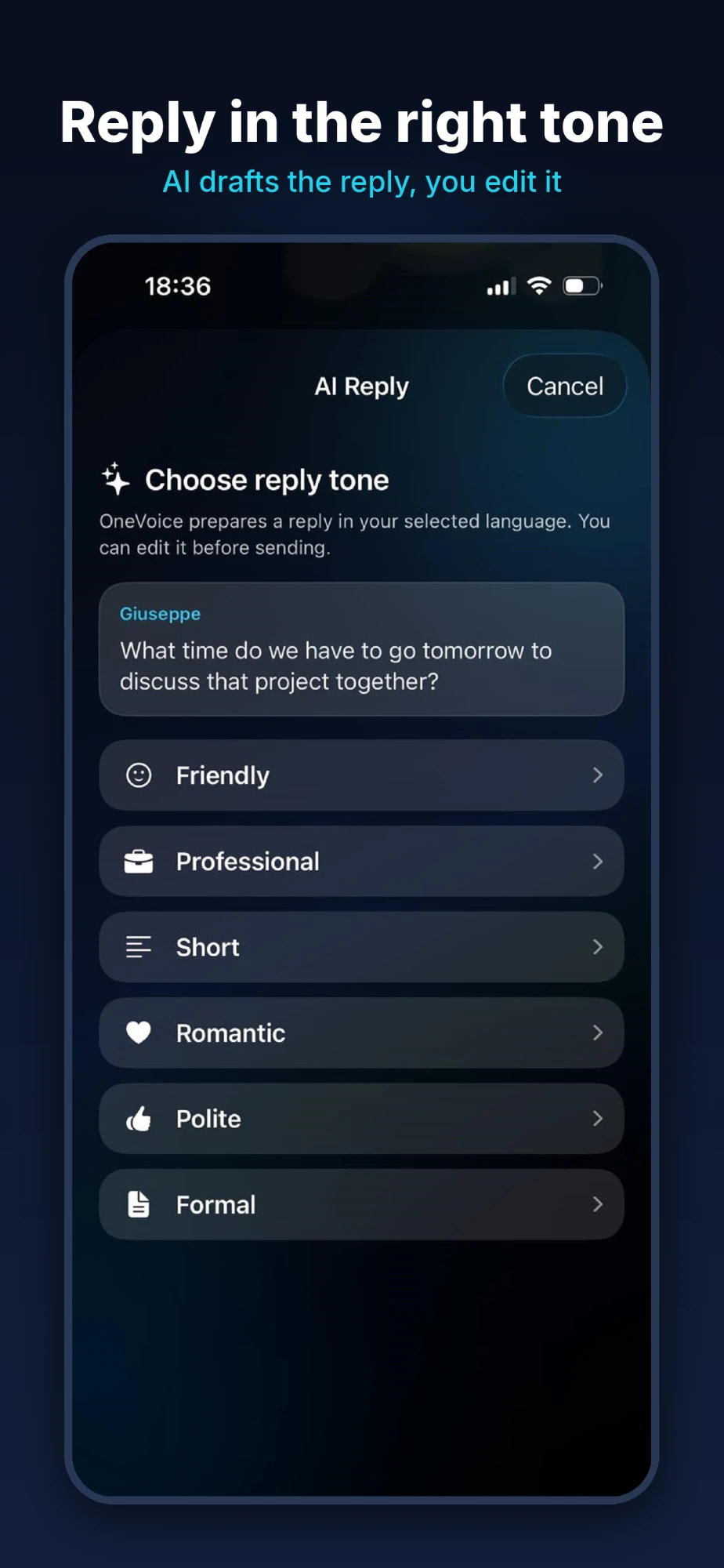
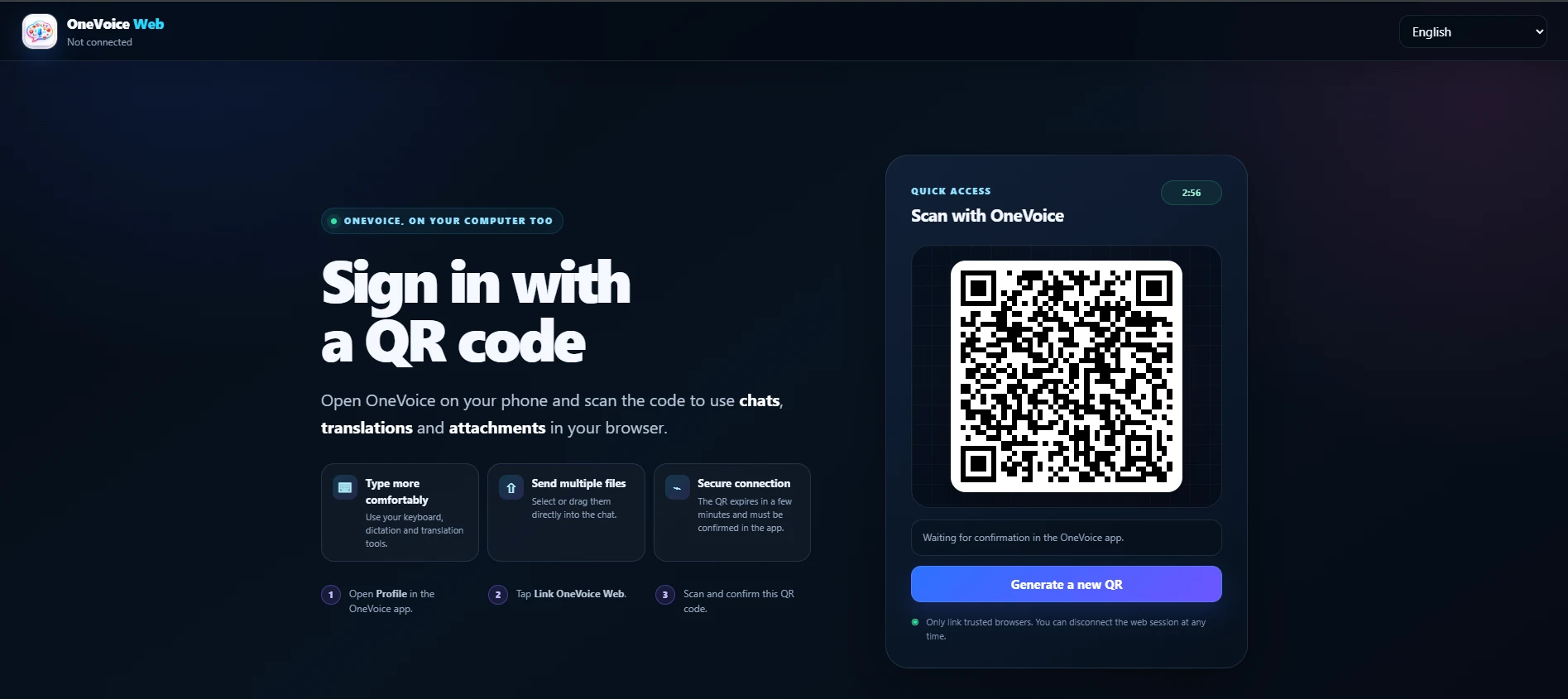
Open OneVoice on your phone, scan the code and use chats, translations and attachments right in your computer's browser. Type on your keyboard and send several files at once.
Once your domain is verified and your request approved, your company receives trial credit to share across up to 3 addresses (you need at least two people to try a translated call).
The credit is shared across the whole company and lasts 14 days from activation. One trial per company domain.
Enter your company website. Your email address must belong to the same domain as the site.
You publish a DNS TXT record, a file or a meta tag to prove you control the domain.
The OneVoice team reviews your request and activates the free trial.
From the panel you enable your team members' email addresses and assign each one a plan you have bought.
Prices are per seat, VAT included. The annual plan costs the same as 10 months.
2 h speech-to-text + 4 h calls per seat/month.
Register your company5 h speech-to-text + 10 h calls per seat/month. The size we recommend for most teams.
Register your company15 h speech-to-text + 30 h calls per seat/month. For people who work with foreign customers every day.
Register your company40 h speech-to-text + 80 h calls per seat/month. Call centres and multilingual support.
Register your company| Seats in the same order | Discount |
|---|---|
| from 10 seats | -10% |
| from 25 seats | -15% |
| from 50 seats | -20% |
Extra credit for a seat that has used up its monthly plan. Valid for 12 months.
It is how we know that whoever registers the account really works for the company. Addresses on public or disposable domains are not accepted.
The email addresses enabled by the administrator from the control panel. Each address occupies one seat from the package.
Translation features stop until the monthly renewal. You can buy a one-off top-up and assign it to the seat that needs it.
In one-to-one calls the duration is charged only to the credit of whoever started the call: ten minutes of conversation use ten minutes for the caller and nothing for the person answering. In group calls, instead, each participant uses their own time in the call.
Transcription and translation follow a different rule: they are charged to whoever is speaking, because they are processed from that person's voice.
Yes. You can generate a guest invitation: your customer opens a link in the browser and joins the translated call without installing the app and without creating an account. The credit used during that call, for both voices in the conversation, is charged to the seat that sent the invitation.
Credit card via Stripe, or PayPal, directly from the panel. Business purchases do not go through the App Store or Google Play.
Register your company and activate the free trial, or email us for a guided demo with our team.