The video, the page your customers see and the tools for your team. Need a hand? Book an assisted demo below.
See in a few minutes how your team talks to customers and suppliers all over the world, each in their own language.
The YouTube player only loads when you press play. Open on YouTube
It is the difference that matters when you work abroad: you can generate a guest invitation and send it by email, WhatsApp or chat. Your customer opens the link in the browser on their phone or computer, types their name, and joins the translated call.
It works in any up-to-date browser. Your customer downloads nothing.
No sign-up, no password. They open the link and they are in.
Your guest hears the conversation in their own language, just like your team member.
The credit used during a call with a guest, for both voices in the conversation, is charged to the seat that generated the invitation: your company controls the spend, not whoever receives the link.
OneVoice Business is for teams who talk every day with people from other countries: you speak your language, they speak theirs.
Talk with international customers, partners and suppliers in everyday conversations.
Multilingual support by phone and chat, with the team you already have.
Present offers and follow up on deals in the customer's language.
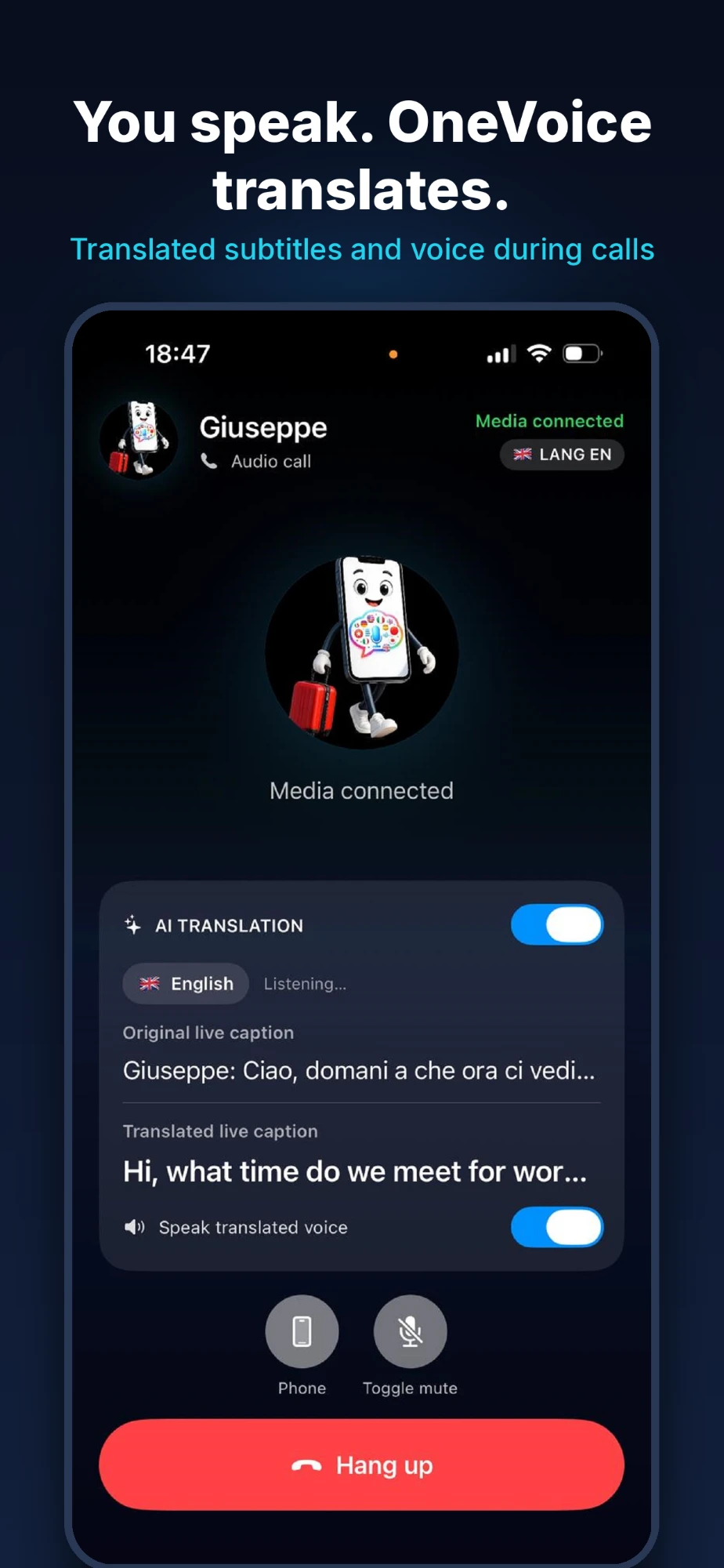
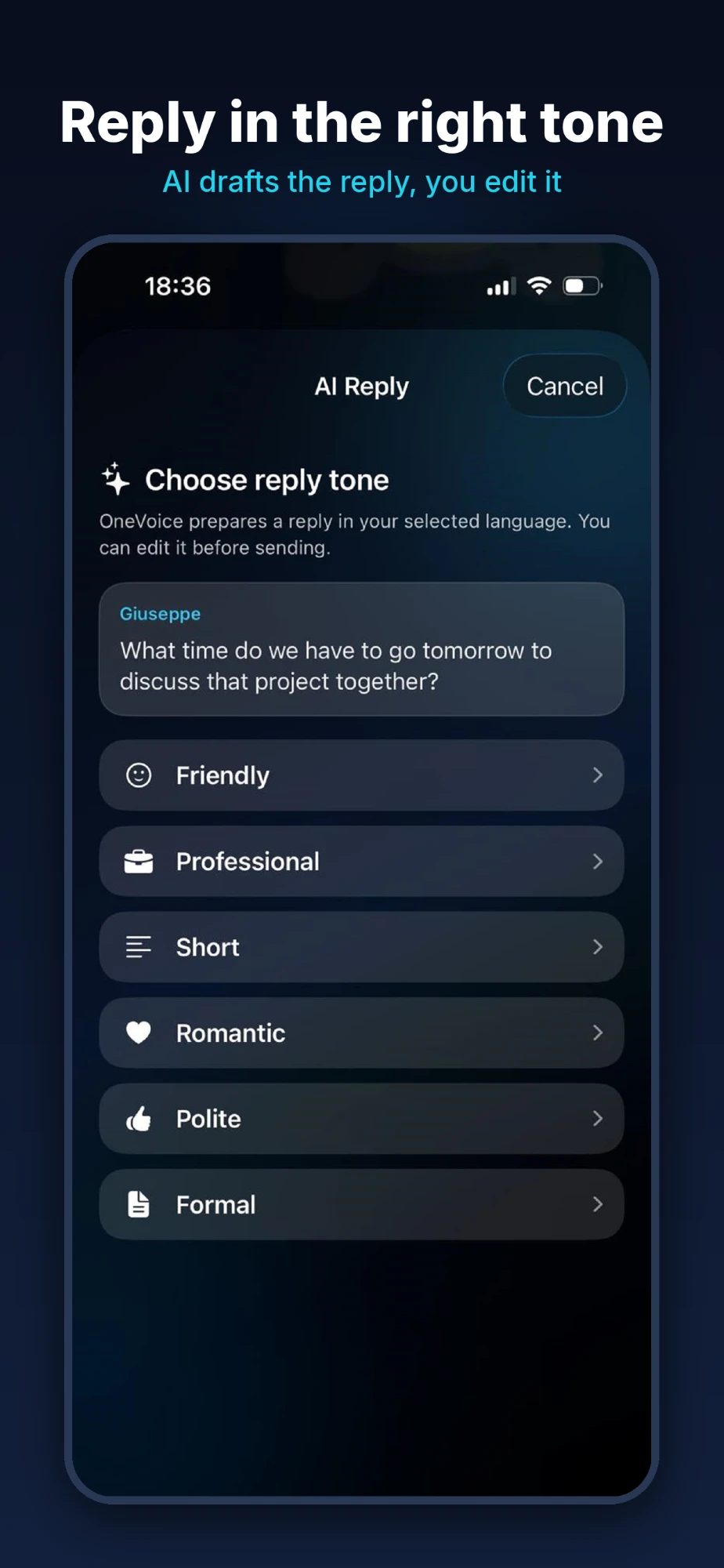
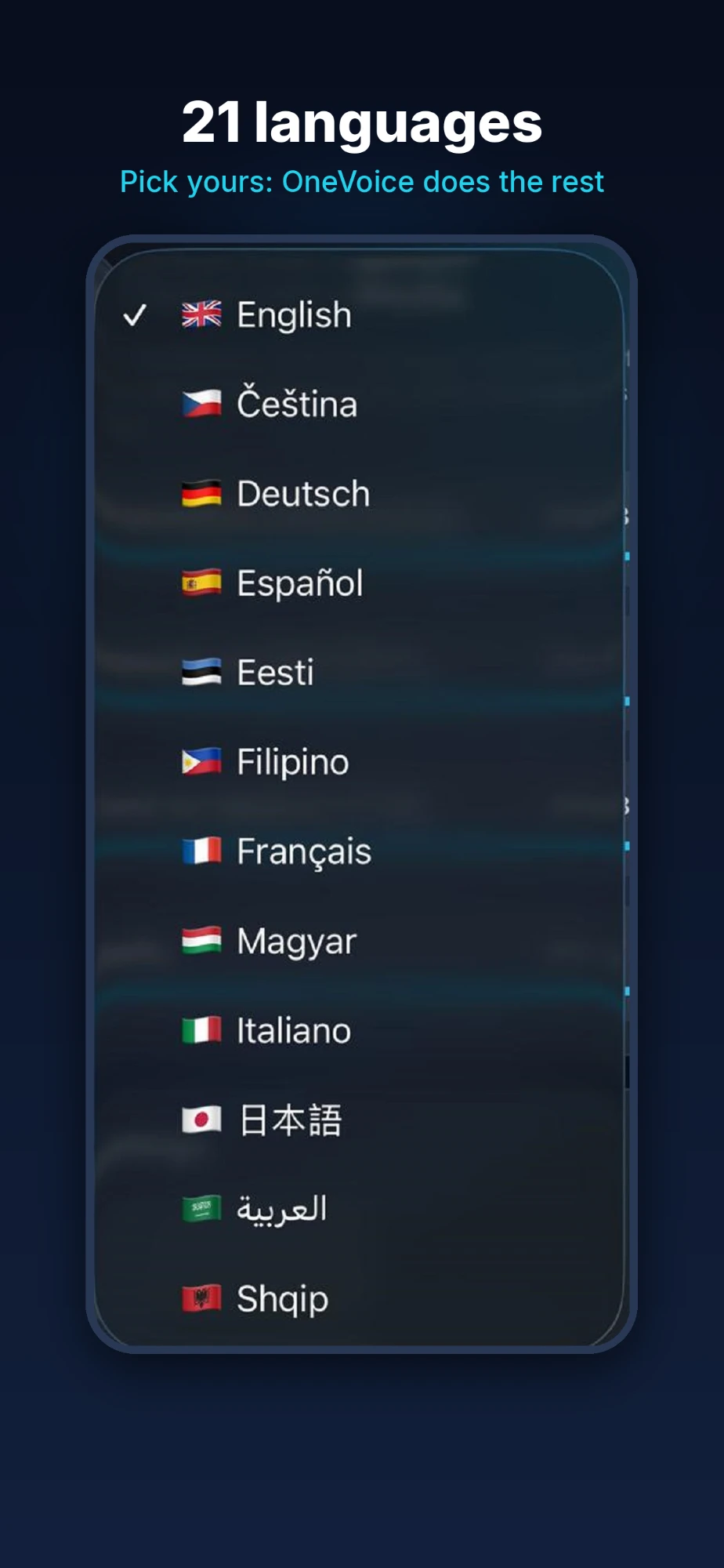
Calls, chat and AI-assisted replies: everyone speaks and writes in their own language, and OneVoice translates.
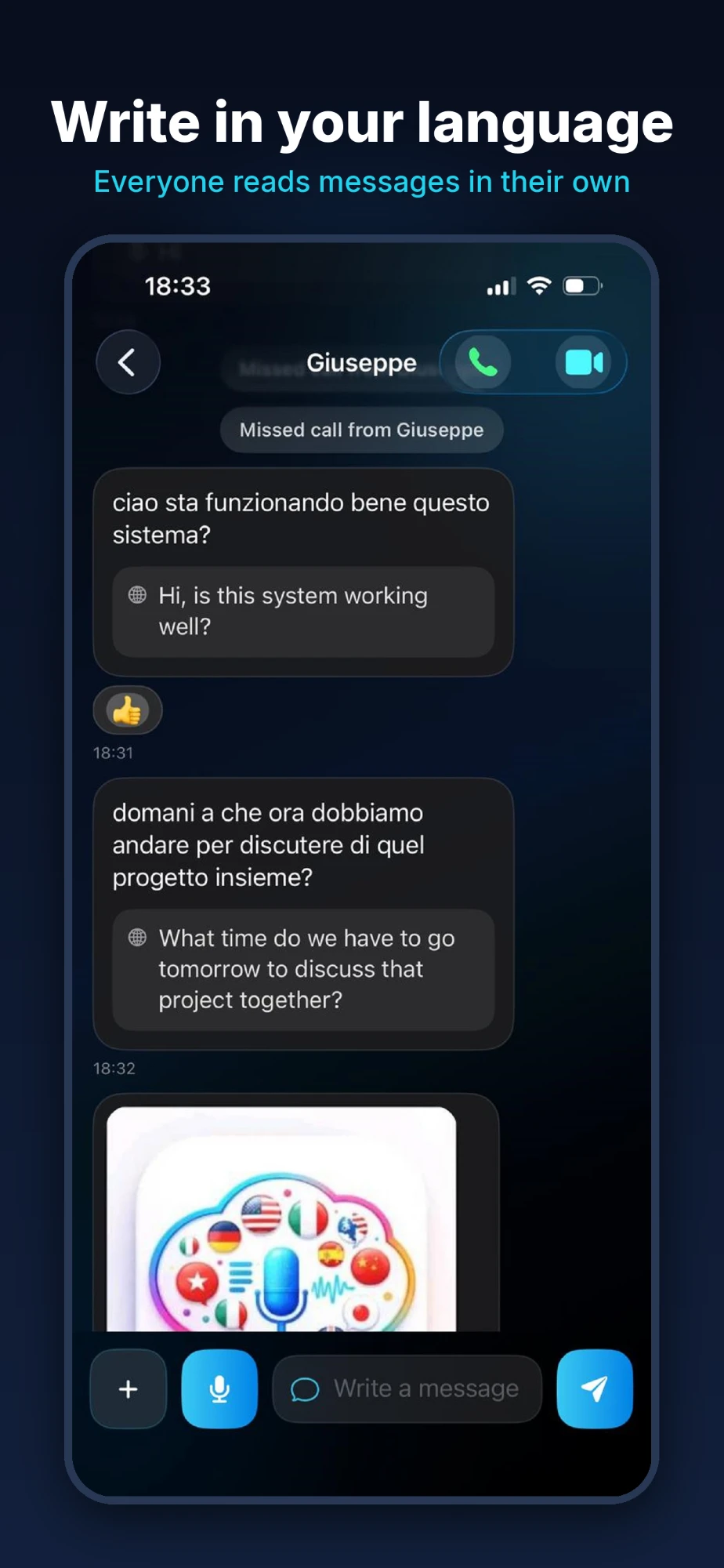
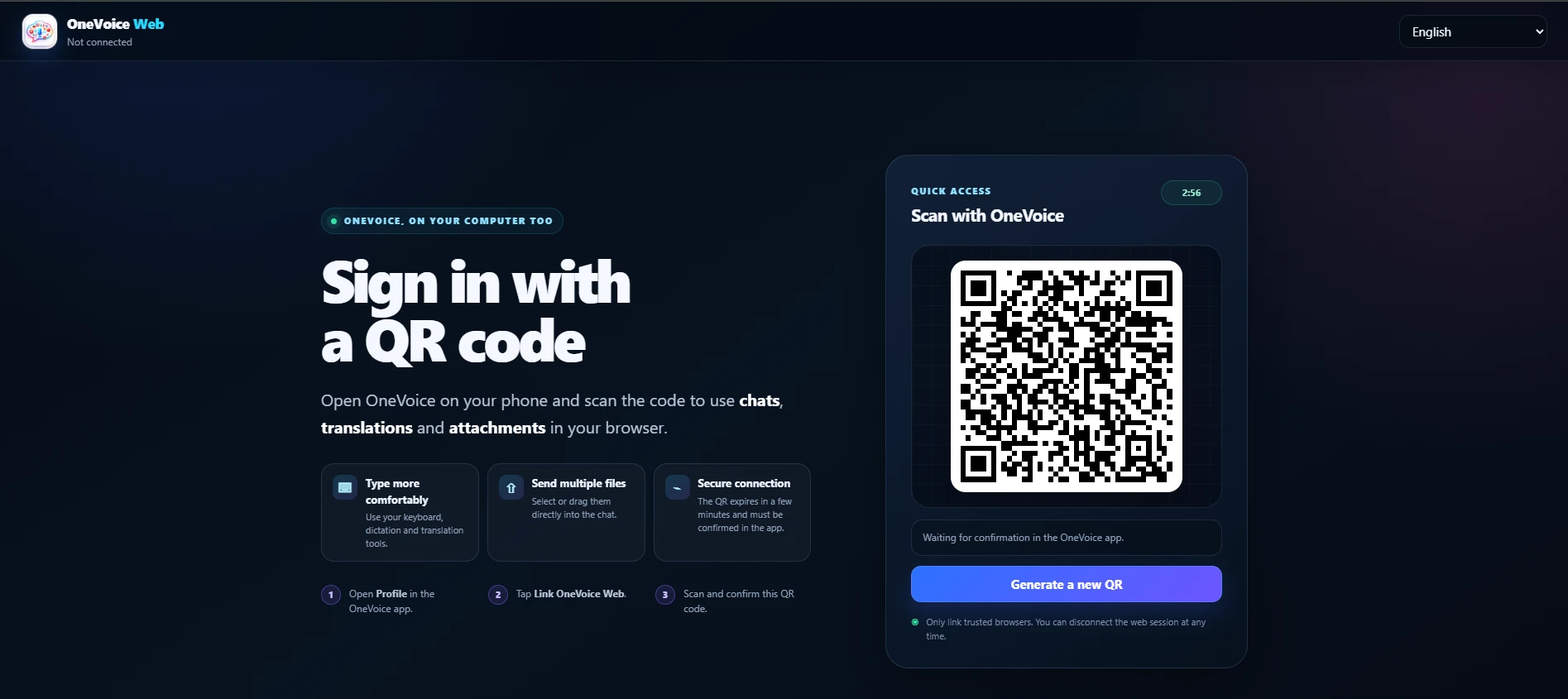
Open OneVoice on your phone, scan the code and use chats, translations and attachments right in your computer's browser. Type on your keyboard and send several files at once.

I'm Giuseppe Liccardi, founder of Ermes Logic. OneVoice started while gaming: in my community some spoke Spanish, some Brazilian Portuguese, some English and some Filipino, and understanding each other was hard. So I built a game launcher with a chat that translated our messages. Over about two years of development it became OneVoice: the same idea, now helping businesses talk with customers and guests from all over the world.
Giuseppe LiccardiFounder of Ermes Logic