OneVoice Business lets guests speak with front desk staff in their own language. Share the link in your booking confirmation and guests can choose their language and call from their browser without installing an app.
No card required · No website? We activate you on WhatsApp
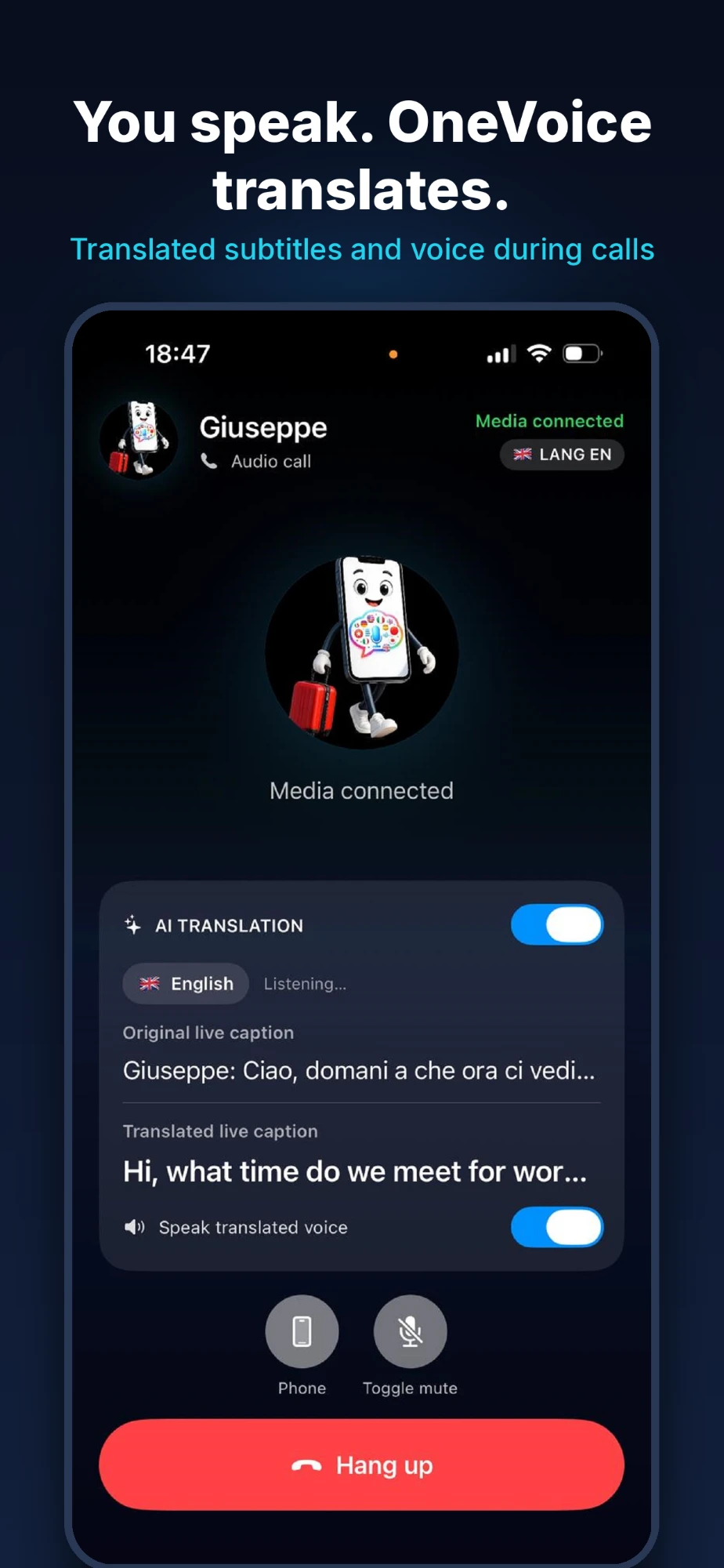
A guest arriving late wants to check how to get in. They open the link in their booking confirmation and call the front desk. Staff speak their own language, with translated voice and captions.
Guests can scan the QR code in their room and speak to the front desk for help, for example if they have a problem with the heating.
Guests can use the same link to ask what time to check out or how to get to the station.
Keep OneVoice open at the front desk: on the computer with OneVoice Web, or on the phone with the app in the foreground. That is where you hear guests arriving: with the app closed, the alert does not reach you.
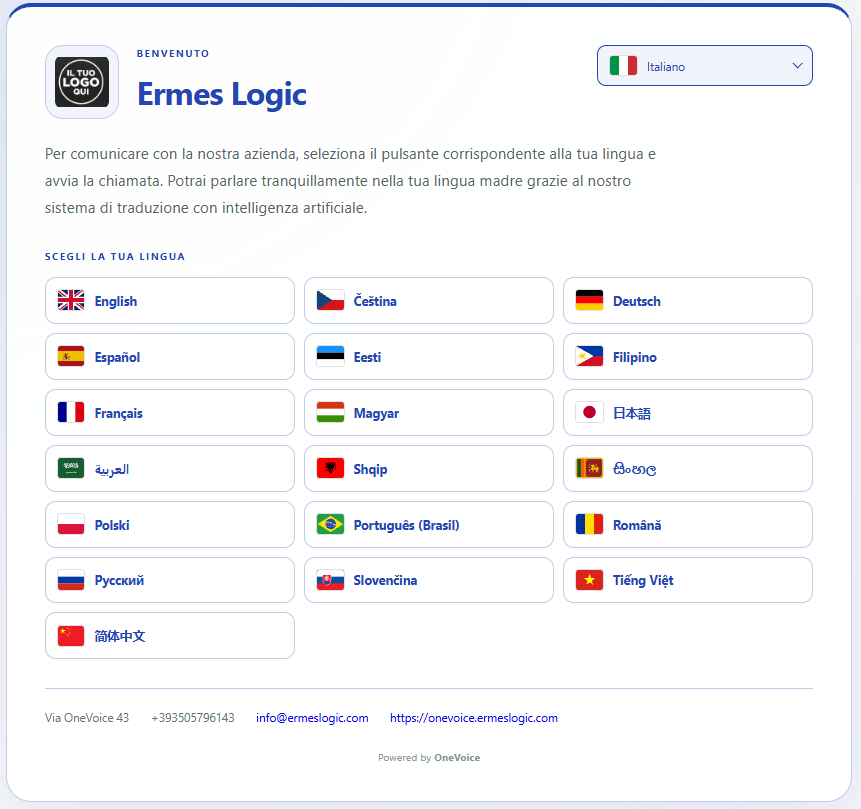
Your property's logo, contacts and languages: ready in minutes.
In the booking confirmation, on your website or in a QR code.
The guest asks to join: you see their name and language and answer from the app or your computer.
To sign up you need a website to confirm your company domain. If you do not have one, message us on WhatsApp: we take care of everything and support you step by step.
Register to start the free trial or ask our team to walk you through a call, from opening the link to speaking with the front desk.