Before the customer books a flight
A traveller wants to compare two itineraries or ask whether a fare includes baggage. Your agent checks the agency’s ticketing tools and explains the options during the call.
Help international travellers with questions about flights and travel insurance. They open a link and speak with your agency team in their browser, with translated voice and captions.
All the customer needs is a browser and an internet connection.
A traveller wants to compare two itineraries or ask whether a fare includes baggage. Your agent checks the agency’s ticketing tools and explains the options during the call.
A customer needs to fly earlier. Your agent checks availability and ticket conditions in the agency’s usual tools, then talks the customer through the options and next steps.
Before buying, a traveller asks where to read the documents for the policy offered with the trip. After buying, they may ask how to reach the insurer’s assistance team. Your agent shows them where to find the information and which official channel to use for any documents.
Add your logo, contact details and the languages you want to offer.
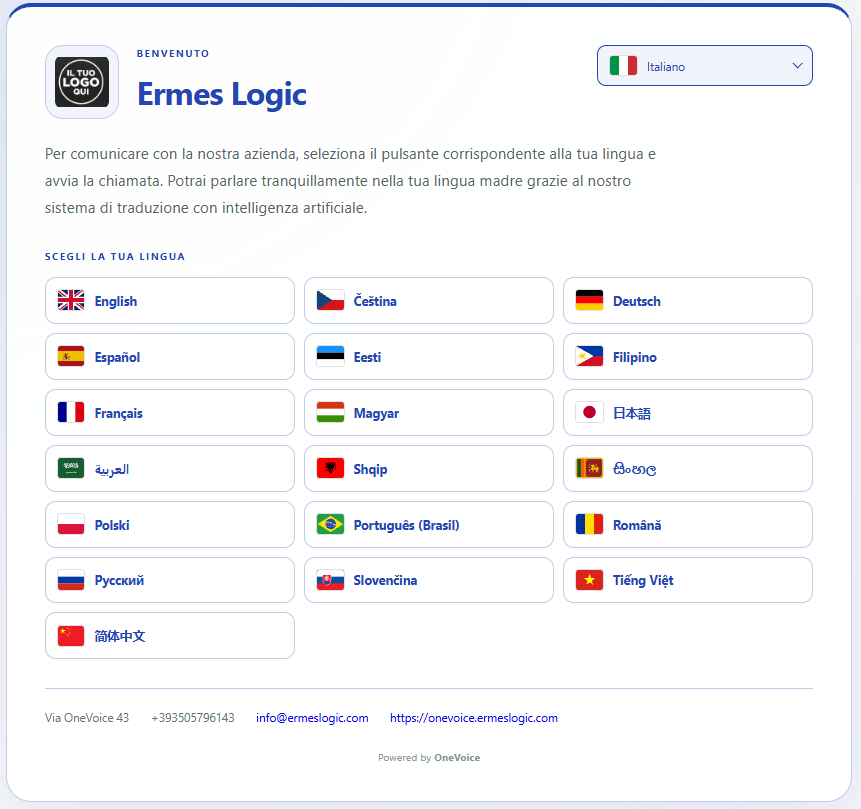
Add it to a quote, a booking confirmation or your contact page. The traveller chooses a language and starts the call in their browser.
Your agent answers using OneVoice Web or the app in the foreground. Ticket and policy checks and transactions stay in your agency’s existing systems.
Pick a common situation, such as a flight change, and role-play a call with the OneVoice team using sample details.